Using a Field Filter in Insights
Last updated: Feb 16, 2026
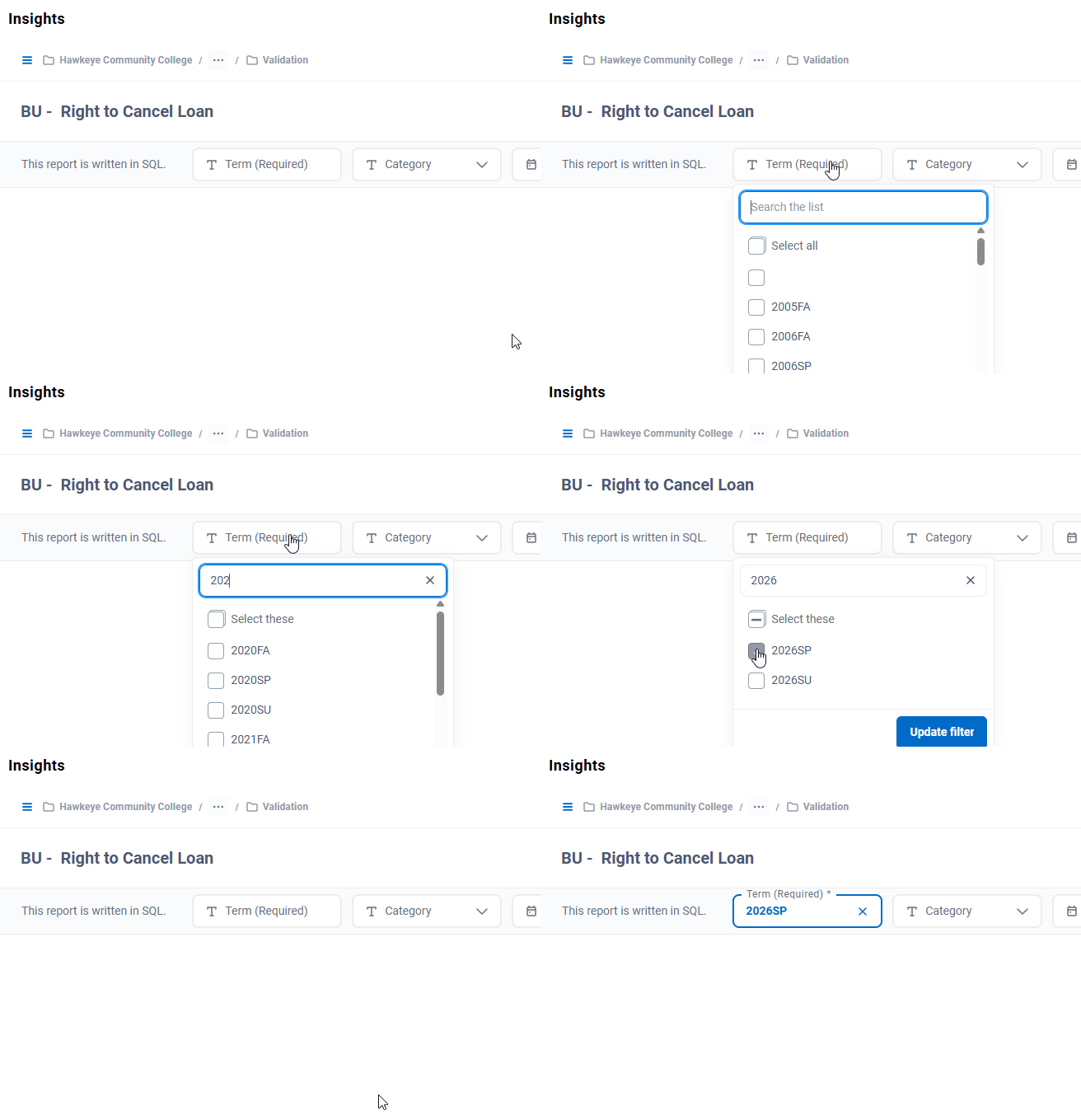
When you have a drop-down parameter with a search box, start typing what you want the value to be. The list will display the available values that contain the text you've entered. Check each item you want in the parameter and click the Update Filter button.